

Yuzu Emulator for PC, Android & Linux - Install & Setup Guide (2026)

Yuzu’s original development has ended, but community-supported builds and forks are still used by many players. Find setup guides, system requirements, best settings, supported games, and fixes for common Yuzu Emulator issues on Android, Windows, and Linux.

Struggling to play Nintendo Switch games without buying an expensive console? Yuzu Emulator is a free, open-source Nintendo Switch emulator for Windows, Android, and Linux that lets you run your favorite Switch titles on any device.

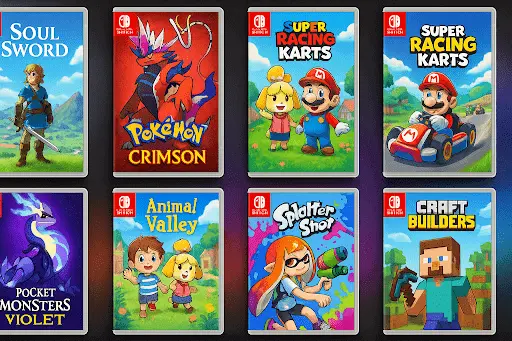
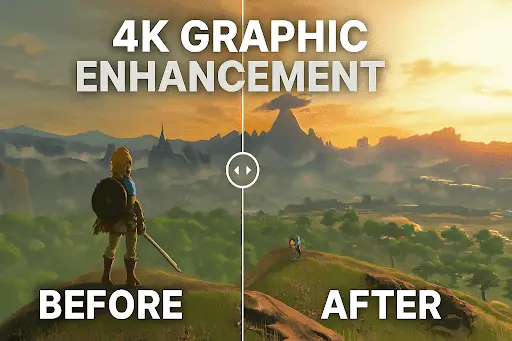
Yuzu supports popular titles like Zelda: Breath of the Wild, Mario Kart 8 Deluxe, and Pokémon Sword & Shield with enhanced graphics up to 4K resolution. In this guide, find step-by-step install guides for Windows, Android APK, and Linux, plus system requirements, and best settings for smooth gameplay.

Top Yuzu (Emulator) Features 2026

The Yuzu Emulator is a top-rated Switch emulator, packed with features that bring smooth and fun gameplay to Android and Windows devices. Let’s look at what makes Yuzu a top choice for gamers in 2026

Many users often compare different Switch emulator, which is why we’ve created a detailed Yuzu vs Ryujinx comparison to help you choose the right option.

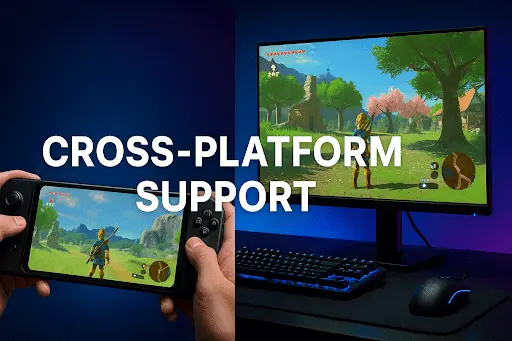
Yuzu Emulator community builds are available for Windows, Android APK, and Linux. These builds offer broad compatibility across hundreds of Nintendo Switch titles, enhanced graphics with Vulkan API, and stable performance on modern hardware. With one download, you can enjoy console-like gaming on any device.

However, safety is very important. Many unverified websites share fake or modified Yuzu builds that may contain malware. Always download from verified community sources and avoid random APK sites.

How to Download Yuzu Emulator on Windows (Free)

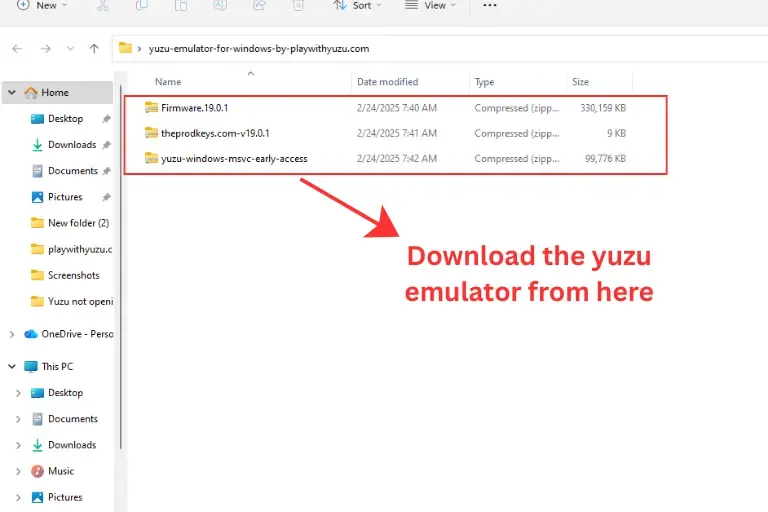
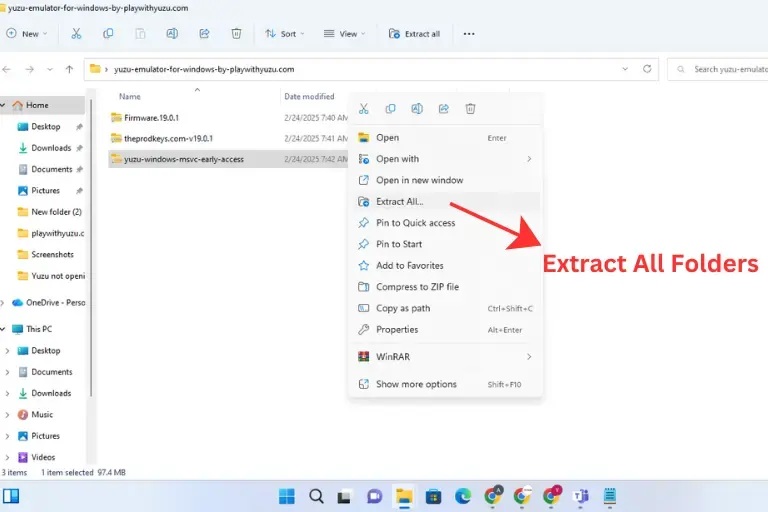
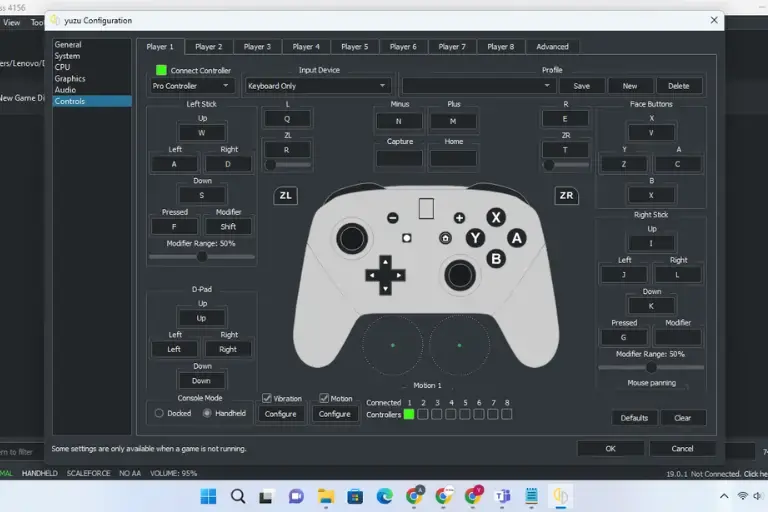
To install the Yuzu Emulator on Windows, download the latest build and extract the ZIP files.

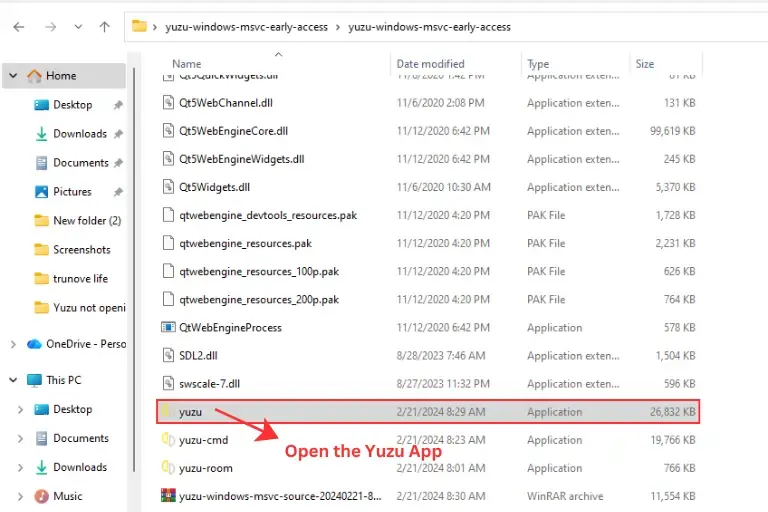
After extraction:

  • Open the Yuzu application file
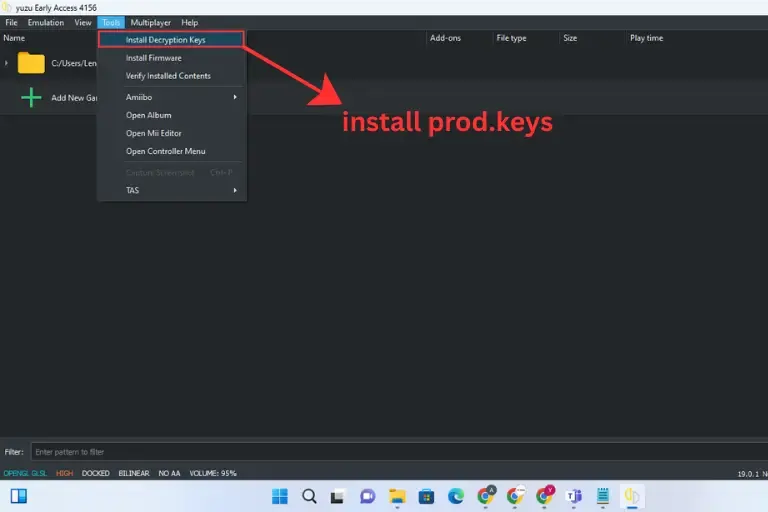
  • Install prod.keys via Tools → Install Decryption Keys
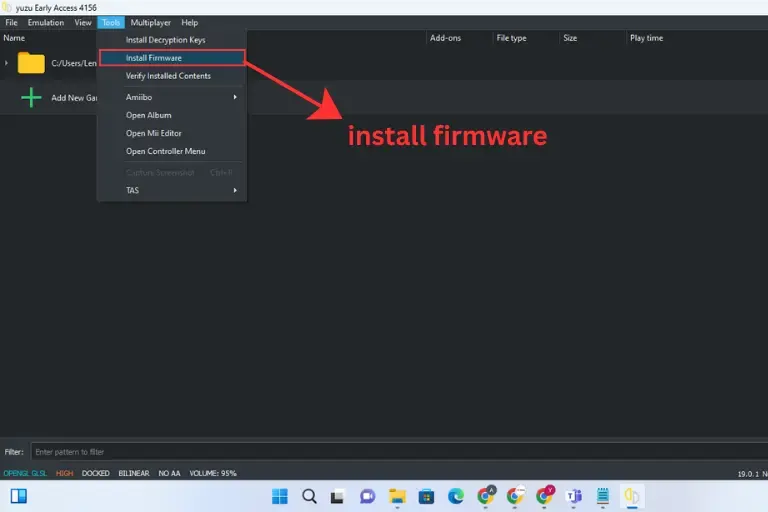
  • Install firmware via Tools → Install Firmware
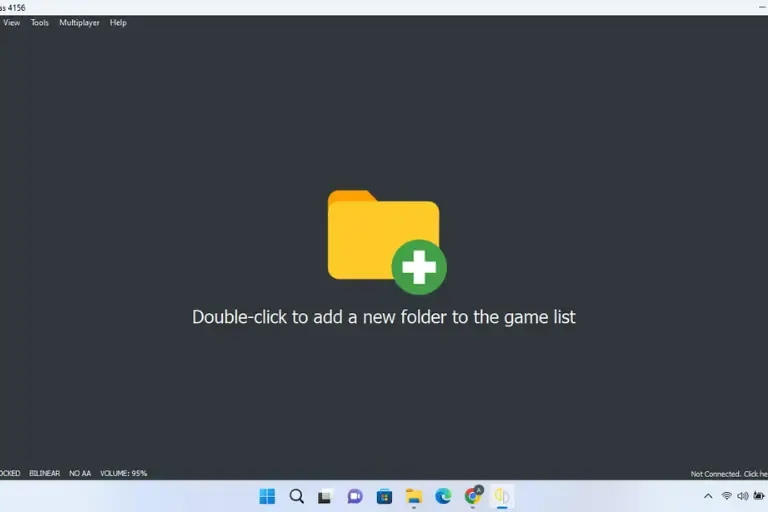
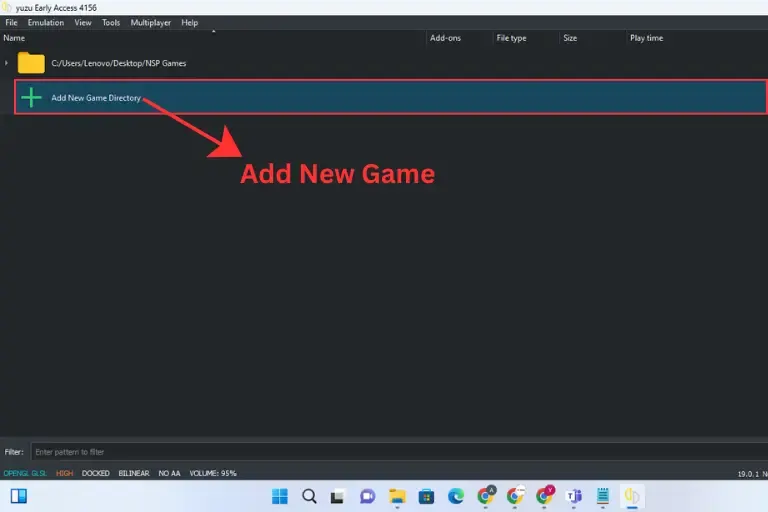
  • Add your game directory
  • On first launch, the emulator may compile shaders, which can cause temporary stuttering. After that, performance becomes smoother.

Read the full Windows installation guide for detailed steps and optimized settings.

How to Download Yuzu Emulator for Android

You can install the Yuzu Emulator on compatible Android devices to play Nintendo Switch games on mobile.

To get started:

  • Download the Yuzu Android APK from the button above
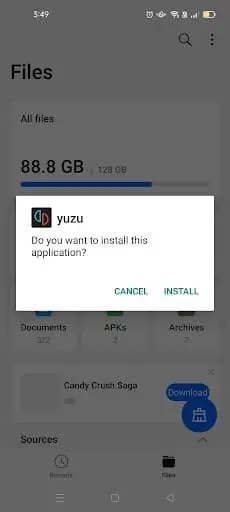
  • Install the app on your device
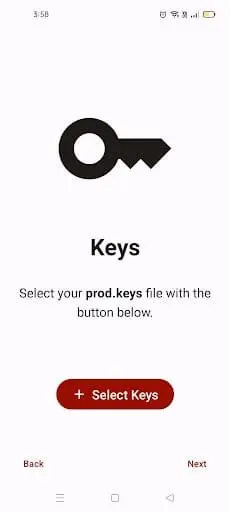
  • Add required keys and firmware
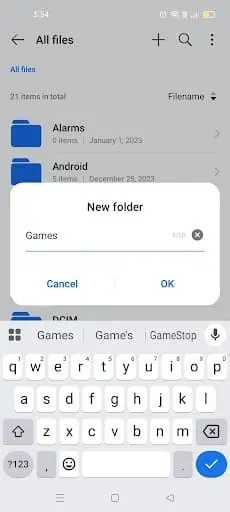
  • Import your game directory

Performance depends on your device’s processor and GPU. High-end Snapdragon devices provide better stability and smoother gameplay.

Read the full Android installation guide for detailed setup instructions and performance optimization tips.

How to Download Yuzu Emulator for Linux

The Yuzu Emulator is also available for Linux users, allowing you to run Nintendo Switch games directly on their desktops.

To install on Linux:

  • Download the Linux build package
  • Extract the files
  • Install required dependencies
  • Add firmware and prod.keys
  • Load your game directory

For best performance, use the latest GPU drivers and enable Vulkan support.

Read the complete Linux setup guide for step-by-step installation instructions.

After the official Yuzu project shut down in 2024, the community made sure the emulator didn’t die. Developers created several Yuzu forks, modified versions that continue to add new features, fix bugs, and keep Nintendo Switch emulation alive. Here are the most popular ones:

Yuzu EA was designed to give players early access to the newest builds. It often includes experimental fixes and new game compatibility patches before they appear in the stable release. Many PC gamers use it for smoother gameplay. As a result, they often prefer Yuzu EA.

Yuzu MMJ is the most popular Android-optimized fork. Specifically, it’s tuned for Snapdragon devices, delivers higher FPS, and supports Turnip GPU drivers for better graphics. If you want Yuzu on mobile, MMJ is usually the best choice.

Suyu emerged right after the Yuzu lawsuit as a community-developed open-source fork. While development has slowed, it remains one of the early community efforts to keep Switch emulation alive.

Other notable forks include Sudachi a performance-focused build actively maintained for Windows and Android along with Citron and Eden which continue improving compatibility in 2026.

Before installing Yuzu, check whether your device meets the required specs. Nintendo Switch emulation is demanding, so both PC and Android devices need sufficient hardware for smooth gameplay.

Spec Type
Minimum (Basic Use)
Recommended (Best Experience)
CPU
Intel i3-6100 / AMD Ryzen 3 1200
Intel i5-8600K / AMD Ryzen 5 3600+
GPU
Intel HD 530 / NVIDIA GT 710 (OpenGL 4.5 / Vulkan 1.1 support)
NVIDIA GTX 1060 / AMD RX 570 or newer
RAM
8 GB
16 GB
Storage
5 GB free (HDD works but is slower)
SSD for faster loading
Operating System
Windows 10 / Linux
Windows 11 / Linux / macOS M1 (experimental)

 Minimum specs may handle light games. However, for a stable 60 FPS, recommended specs are much better.

Spec Type
Minimum (Basic Use)
Recommended (Best Experience)
CPU
Snapdragon 460 / MediaTek Dimensity 700
Snapdragon 865 / Snapdragon 8 Gen 3
GPU
Adreno 605 / Mali-G57
Adreno 740 / Mali-G720 (with Turnip drivers)
RAM
8 GB
12-16 GB
Operating System
Android 11
Android 13+

Budget Android phones may struggle. In contrast, Snapdragon-powered devices offer smooth emulation.

Other Platforms

Steam Deck → Runs well with Linux + Vulkan API.

iOS (experimental) → Requires jailbreak (iOS 15+). Performance is still unstable.

Is Yuzu Emulator legal?

 Yes, Yuzu Emulator is legal to use. The emulator software itself does not violate any laws. What is illegal is downloading pirated Nintendo Switch games, firmware, or prod.keys from the internet. Always dump your own files from a Nintendo Switch you own.

Yes. Yuzu APK runs on Android, but performance depends on hardware. It works best on Snapdragon 865 or newer devices with Turnip GPU drivers. Low-end phones may face lag or crashes.

There are experimental iOS builds, but they require jailbreaking and are not stable. For iPhone or iPad users, playing on Android or PC is the recommended option.

Both emulators are popular. Yuzu is generally faster on Android and PC, while Ryujinx is more stable for long gaming sessions on Windows/Linux. Many players install both.

Yes. Popular titles like Pokémon Sword & Shield, Pokémon Violet, Zelda BOTW, and Zelda TOTK run smoothly with correct keys and firmware. Mods such as 60 FPS patches make gameplay even better.

Yuzu does not support Nintendo Online. However, it allows LAN multiplayer using VPN tools like Radmin VPN, so you can still play games such as Mario Kart or Smash Bros with friends.

Usually, a black screen means your prod.keys or firmware are missing or outdated. As a result, Yuzu cannot launch games. To fix this, add the latest prod.keys in the yuzu/keys folder and reinstall firmware.

Yes, Yuzu APK runs on Android, but to stay legal, you must dump games from your own Nintendo Switch. Otherwise, downloading files online counts as piracy. In short, you need a console to get games legally, but not to run Yuzu.

The Yuzu Emulator is one of the best ways to enjoy Nintendo Switch gaming without owning the console. From Pokémon Sword & Shield to Zelda: Breath of the Wild, it brings smooth, high-quality gameplay to PC, Android, and Linux devices.

With cross-platform support, 60 FPS patches, mods, and active community forks, Yuzu gives you more flexibility than playing on the original Switch hardware. Forks like Yuzu MMJ (Android) and Suyu Emulator (PC/Linux) ensure that development continues even after the original project ended in 2024.

Most importantly, Yuzu itself is legal but you must always dump your own games, keys, and firmware to stay safe. By keeping the emulator updated and optimizing settings, you can achieve a console-like experience anytime, anywhere. Ready to set up Yuzu Emulator? Choose your platform: Windows, Android, or Linux and follow our step-by-step install guide. For the best mobile experience, try Yuzu MMJ on Snapdragon devices. For PC, Suyu or Sudachi offer stable community builds in 2026.